Convert WebP to JPG
Turn a WebP image into a JPG, for an app or an upload form that doesn't take WebP.
How to convert WebP to JPG#
- Paste an image with Ctrl+V, drop the WebP file on the page or press Load.
- The Save menu opens with JPEG picked and its quality below it (90%, or what you last saved a JPEG or WebP at). Press the Download JPEG button or Ctrl+S. The menu opens by itself for the first image only; for the next, press Save.
- The file downloads, named after the original with
-edited.jpg(photo.webpbecomesphoto-edited.jpg; a pasted image is named after the date and time), and a message shows its size. The JPG is made from the pixels alone, so no EXIF data from the WebP, such as a location, comes along.
Pick the quality#
The quality goes from 10% to 100%. A lower one makes a smaller file and turns fine detail into blocks. A WebP photo has often lost some detail to its own compression, and the JPG compresses it again, so keep a photo at 90% or more. WebP compresses better than JPEG, so the JPG is usually the larger file. For a smaller one, lower the quality or resize the image in the same menu.
Why is the background white?#
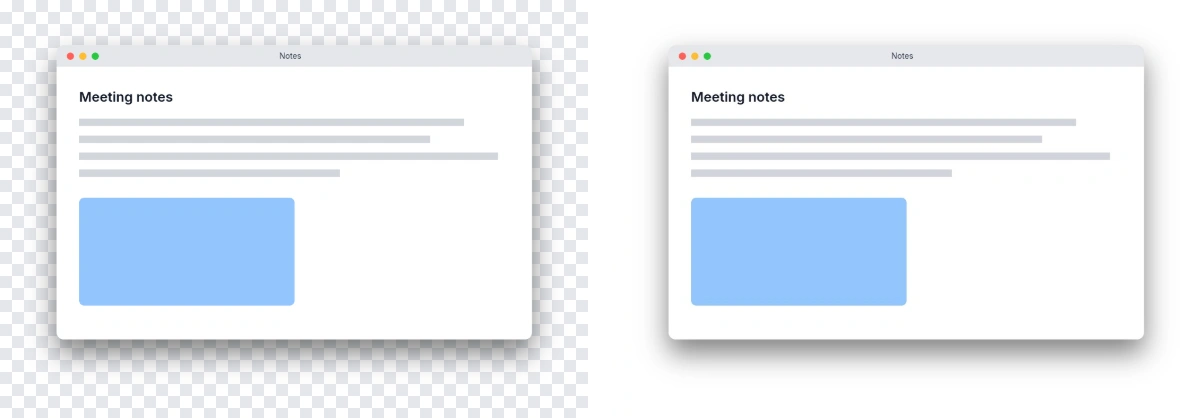
JPEG can't store transparency, so a WebP's transparent background or edges come out white, as the Save menu says when the image has any. To keep the transparency, convert the image to PNG instead, in the same menu.
Animated WebP files#
A JPG holds one picture, so an animated WebP becomes a still of its first frame.